Dropbox upload plug-in for symbian
Appeared on the Ovi Store application oriented to transfer images directly from the device to your Dropbox account.
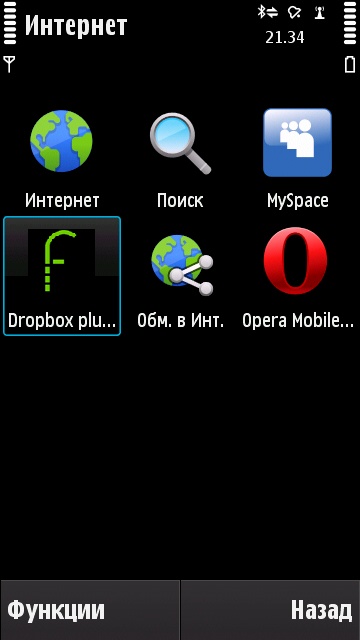
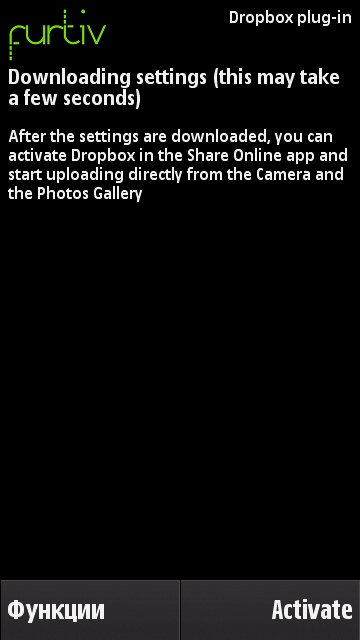
After downloading and installing the plug-in, go to the “Internet” menu folder and see the Dropbox upload plug-in application that has appeared.
')
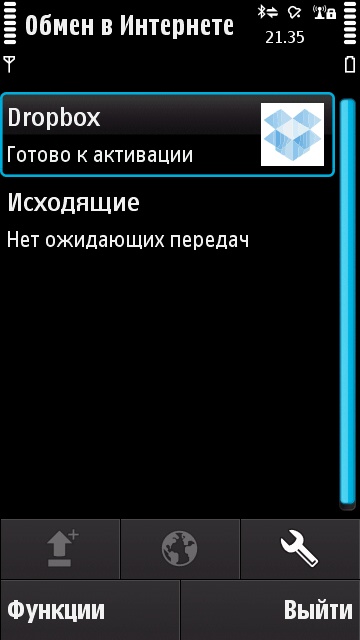
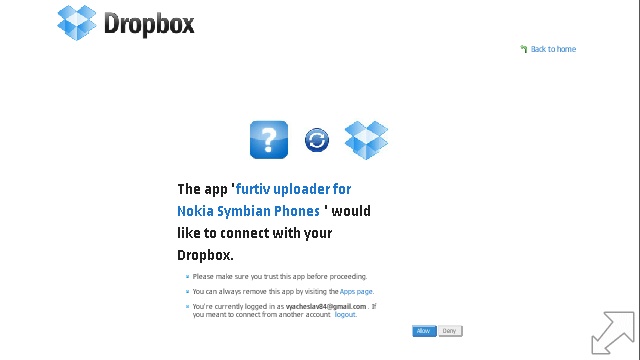
We go to the Dropbox exchange point, after which the application will automatically launch the page of your Dropbox account in the browser and prompt you to log in and accept the agreement to use this application.
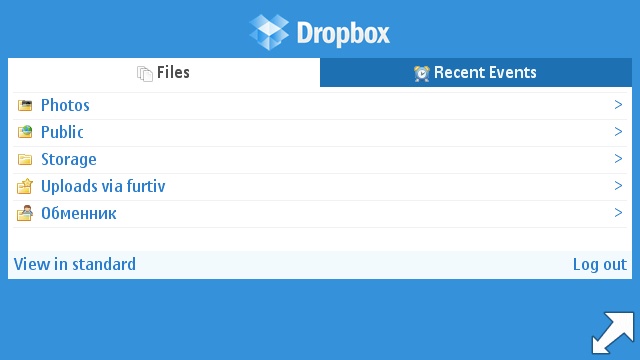
In the notification area, on your PC, a notification about the creation of a new folder on Dropbox will also pop up.
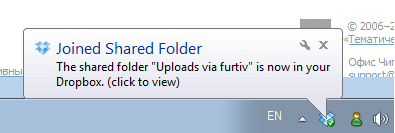
So everything is set, check:
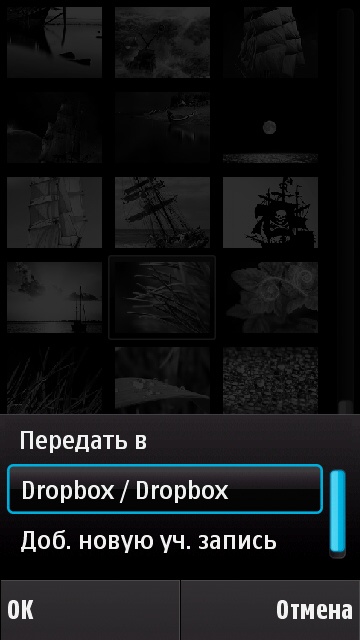

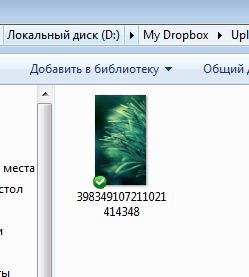
As you can see, the application does an excellent job with the task, but I would like to be able to send files of any type, not just images.
ps By the way, anyone who wants to have a full-fledged symbian client on their smartphone can vote to create one on the official website .
After downloading and installing the plug-in, go to the “Internet” menu folder and see the Dropbox upload plug-in application that has appeared.
')
We go to the Dropbox exchange point, after which the application will automatically launch the page of your Dropbox account in the browser and prompt you to log in and accept the agreement to use this application.
In the notification area, on your PC, a notification about the creation of a new folder on Dropbox will also pop up.
So everything is set, check:
As you can see, the application does an excellent job with the task, but I would like to be able to send files of any type, not just images.
ps By the way, anyone who wants to have a full-fledged symbian client on their smartphone can vote to create one on the official website .
Source: https://habr.com/ru/post/99759/
All Articles