Enough design in the sketch. Do design in the browser
If you spend most of your time in static tools like Sketch, then you should move to the browser and the sooner the better.
More than three years ago, I wrote my first post on the topic “Design in a browser”. The post was called “How I designed a site without Photoshop”
He told a story about how I created a complete site without using Photoshop. In those days, Photoshop was the main tool in web design. But now it is not. From the heavy photo editor, we moved to the Sketch, which was made to create interfaces.

The sketch was a big leap forward compared to what we are used to. He improved the design process and made it more efficient. Artboards were beautiful and yet there was no extra peel in it, not related to interface design. I was so delighted with him that I wrote the post "10 tricks to Sketch for designers . "
Although I love Sketch, I do not consider it an ideal tool, because it does not solve the real problem.
')
The problem is that we, the designers, are still drawing static design for an interactive environment.
In programs for static design, such as Photoshop or Sketch, you spend most of your time creating the most licked images that are far from both reality and implementation. Static images do not take into account the limitations and features of browsers, as well, they are not able to show any moving parts.
In addition, they can not transfer all the functionality. Take a look at the picture below, it can show only one perfect state of how the application looks and works. Of course, you can draw several artboards in the Sketch to show another state when something is pressed, but you can never show any interaction.
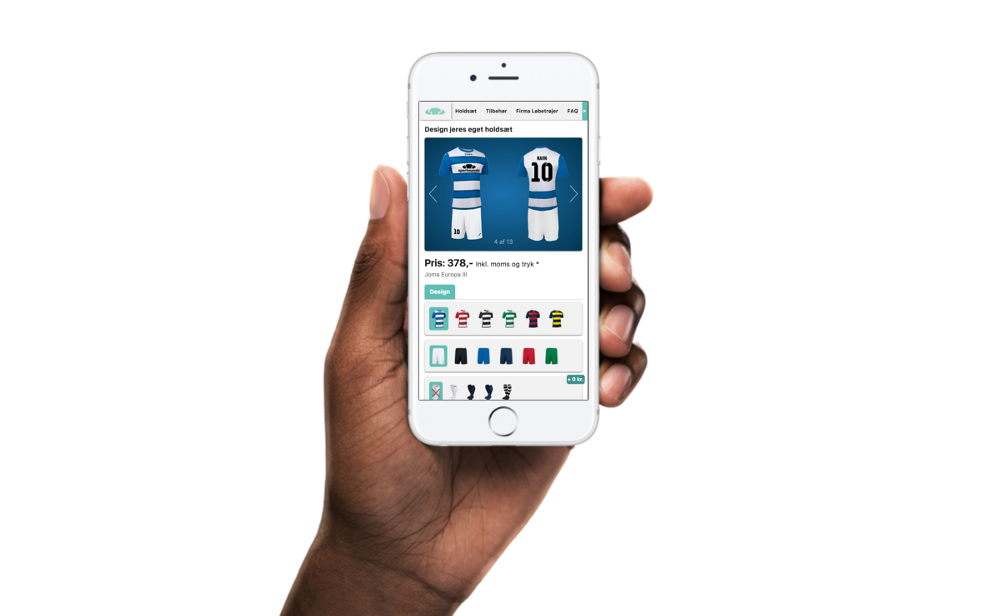
Just imagine how it all works.
And this is despite the fact that the media for which we all draw is interactive.
New tools for creating prototypes such as: Invision, Principle or Framer (in fact there are more), of course, helped us get closer to interactivity.
But the problem with these tools is that we just inflate the design stack, adding problems, while the work done does not bring us closer to implementation.
Also, I find it strange that we ask technologists (programmers) to recreate what we have already done in these tools. Are we (the team) not doing the work twice, forcing technologists to recreate our design in HTML and CSS?
To bring design closer to implementation, designers should transfer their work to the browser as soon as possible.
I believe that in order to know where everything is broken, and where it will work, you must see the material and interact with it in its natural habitat.
Personally, I found that there are many advantages when switching to a browser:
- You get what you see (WYSIWYG). Colors, fonts, sizes, indents, etc. Everything looks as the user sees.
- The end of the endless artboards. Now you have only one canvas and this is a browser with default interactivity.
- No need to waste time measuring pixels before transferring it to the technologist. Everything is already written in the code.
- You can easily fix something in your design without the participation of technologists or programmers.
- When testing, you see how users actually interact with your design.
- Less questions and meetings with investors, customers, programmers = Time Saved = Money Saved
- Animation is no longer an afterthought. On the contrary, you think more about how to reduce the state of guidance or how to solve problems with the help of interaction.
- You no longer need to spend money on expensive prototyping software.
- The best of the list. You reduce the gap between design and implementation, allowing programmers to work on more interesting sides of the project = Much happier engineers.
There is, of course, one thing that makes designing in a browser difficult, and this is a steep learning curve.
Not everyone can easily learn how to code HTML / CSS / JS. If you want to learn, I advise you to start here .
I know that the title of the post may be a little misleading.
Actually, I don’t think I need to completely stop designing in Sketch. Sketch is a great tool to quickly outline the concept of what you want to create. But you still need to transfer the work to the browser as early as possible. The above benefits should answer the question why.
Source: https://habr.com/ru/post/325852/
All Articles